
In this article we will learn how SEO Helps People Find Your Website on Google. If you have a website, you probably want people to find it on Google. This is where SEO (Search Engine Optimization) helps.
SEO means improving your website so it appears higher in search results.
What is SEO?
SEO stands for Search Engine Optimization. It is the process of making your website better for search engines like Google.
- More people visit your website
- Your pages rank higher
- Your business grows online
Step 1: Understand Your Website Topic
First, be clear about your website.
- What is my website about? (Like- Shoes, Business, Travel etc)
- What do I want visitors to see?
Example: Shoes website -> Topic: Shoes
Travel website -> Topic: Travel
Step 2: Find the Right Keywords
Keywords are the words people type into Google.
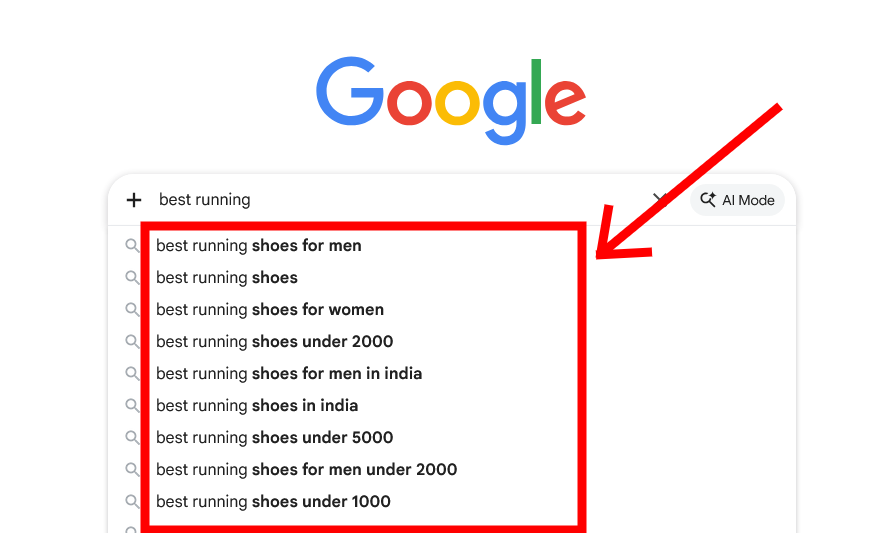
Examples: “Best running shoes”
“Affordable tour packages”
- Google search suggestions
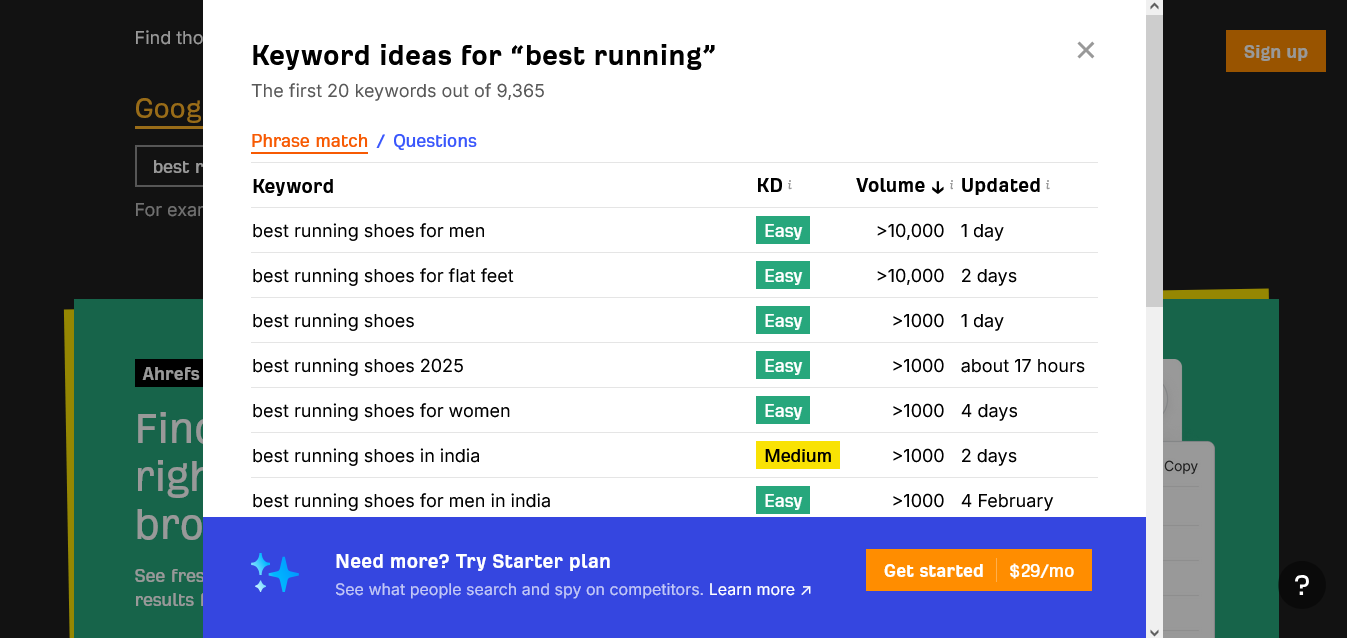
- Keyword research tools
You can use keywords research tools like – Ahrefs, Semrush
Step 3: Use Keywords Naturally
Add keywords in important places:
- Page Title
- Headings
- Paragraphs
- Image Alt Text
Avoid keyword stuffing. Write naturally.
Step 4: Create Helpful Content
- Useful
- Easy to read
- Informative
- Clear
Focus on solving user problems.
Step 5: Optimize Page Titles & Descriptions
Example:
Title: Best Running Shoes Online
Description: Discover comfortable and stylish running shoes at great prices.
Step 6: Use Proper Headings
- H1 → Main Title
- H2 → Subheadings
- H3 → Small sections
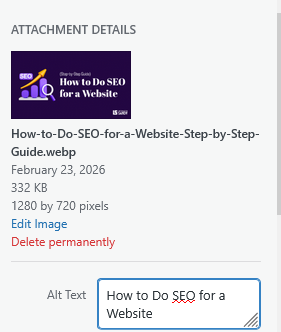
Step 7: Add Images with Alt Text
Alt text: “Blue lightweight running shoes”
Step 8: Improve Website Speed
- Compress images
- Use good hosting like (Hostinger)
- Remove heavy scripts and plugins
Step 9: Make Website Mobile Friendly
- Fit small screens
- Load fast
- Responsive Design
- Easy navigation
Step 10: Build Backlinks
Back links = Links from other websites.
You can create links to your website with these methods
- Guest posts
- Business listings
- Quality content
Step 11: Share Your Website
- Social media
Step 12: Be Patient
SEO is not instant. Keep updating content, improving pages, and monitoring performance.