

Think about the last time you searched for “salon near me” or “dentist near me”. You probably picked one of the first three results and called or visited. Your customers do the same.
If your business does not show up in these searches, a competitor gets that customer. The good news is that you can improve your chances without a big budget. This guide explains how, step by step.
What are “near me” searches?
A “near me” search is when someone looks for a business close to where they are standing. Examples are “restaurants near me”, “clinic near me” or “mobile repair near me”.
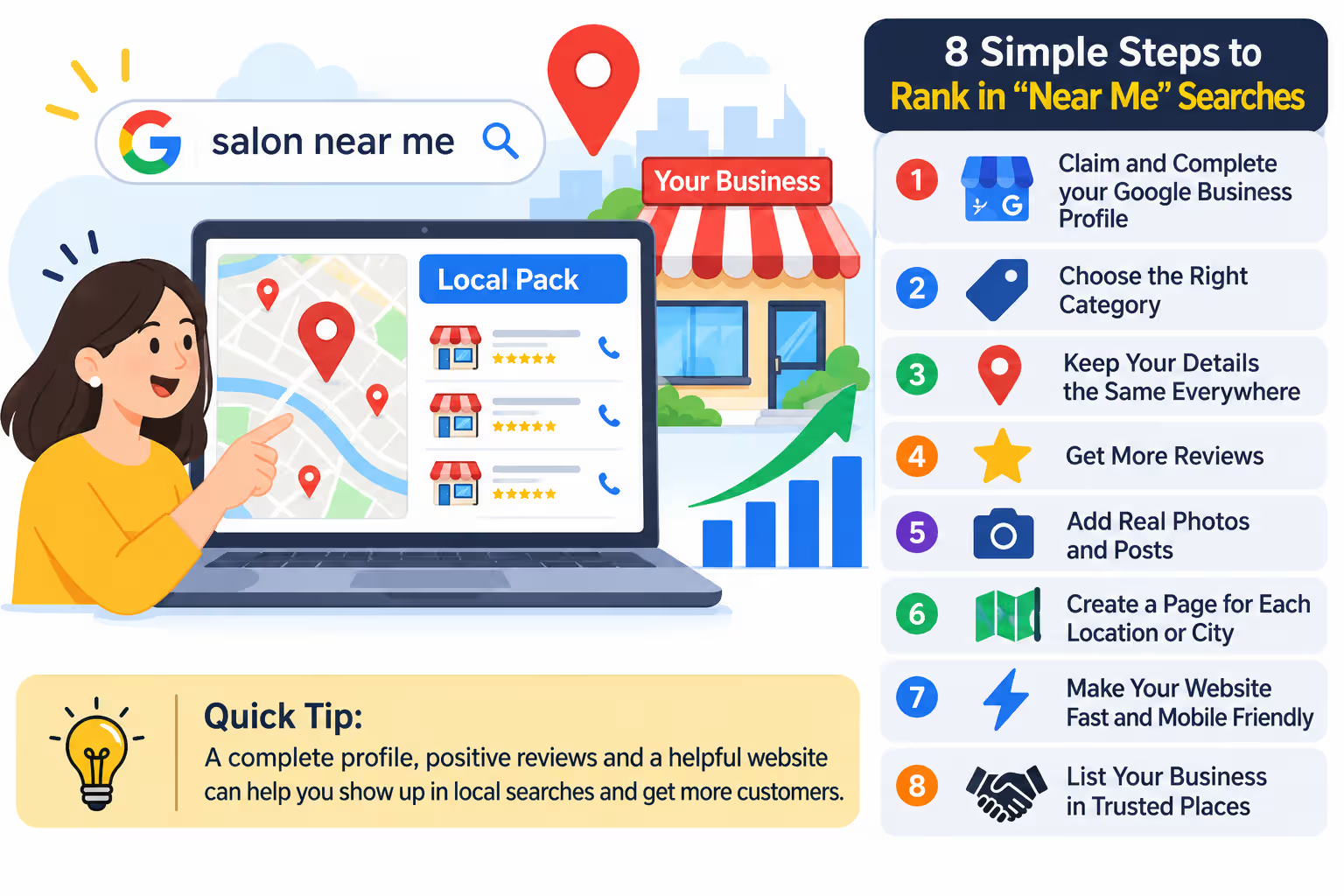
Google shows the results on a map with a short list of businesses below it. This is called the local pack. Getting into it is the goal.
How does Google pick who to show?
Google looks at three main things:
- Relevance. Does your business match what the person searched for?
- Distance. How close are you to the person?
- Prominence. How well known and trusted are you, online and offline?
You cannot change your distance. But you can work on relevance and prominence, and that is where most businesses win or lose.
Step 1: Claim and complete your Google Business Profile
This is the most important step. Your Google Business Profile (GBP) is the listing that shows on Google Maps and in search.
Make sure you have claimed it and verified it. Then fill in everything: business name, address, phone number, opening hours, website, services and a short description. Empty fields make it harder for Google to understand what you do.
Step 2: Choose the right category
Your main category tells Google what kind of business you are. Pick the one that matches your work most closely. For example, choose “Dentist” and not just “Health”. Then add a few extra categories if they are true for you.
A wrong category is one of the most common reasons a business does not show up.
Step 3: Keep your details the same everywhere
Your name, address and phone number should look exactly the same on your website, your Google profile, Facebook, Justdial and any other listing. If one place says “Shop No. 5” and another says “Shop 5”, it can confuse Google. Small differences add up.
Step 4: Get more reviews
Reviews help you rank, and they help people choose you. Google has said that review count and score affect local ranking.
Ask happy customers to leave a review. The best time is right after a good experience. Send them a direct link so it takes only a minute. Never buy fake reviews. Google can remove them, and customers can usually tell.
Also reply to your reviews, good and bad. A calm reply to a bad review shows you care.
Step 5: Add real photos and posts
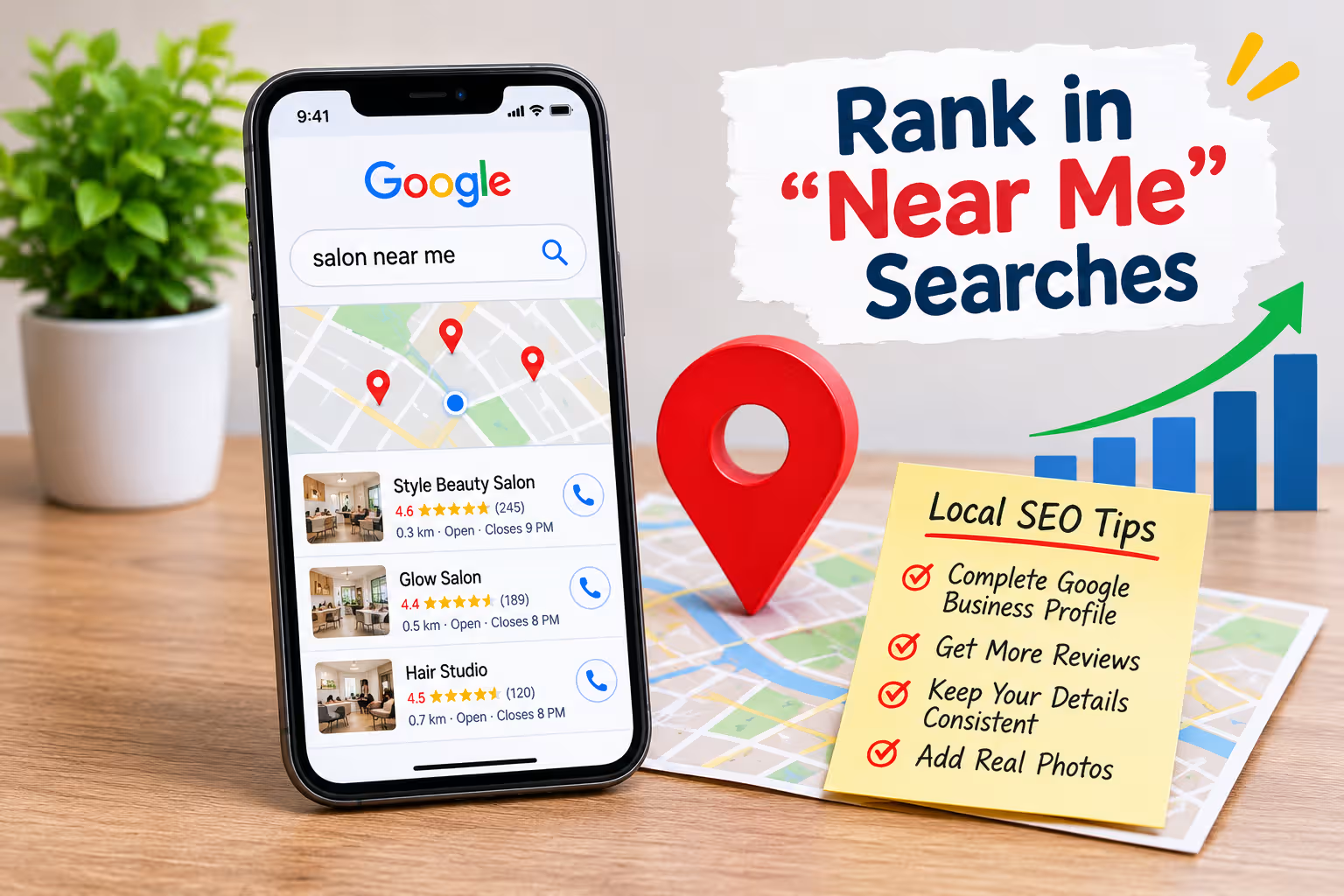
Upload clear photos of your shop, your team, your products and your work. Real photos build trust faster than any description. Add a short post once a week or so, such as an offer or an update. It shows your business is active.
Step 6: Make a page for each location or city
Your website needs to back up your profile. If you serve more than one area, create a separate page for each one with useful, original content. Do not copy and paste the same page and only change the city name.
For example, a business in Punjab might have one page about local SEO in Jalandhar, another for Mohali and another for Chandigarh. Each page should mention the area, the services you offer there and how to reach you.
Add your address, a map and your phone number on these pages. It helps Google connect your website to your profile.
Step 7: Make your website fast and mobile friendly
Most “near me” searches happen on phones. If your site is slow or hard to use on a small screen, people leave. Test it on your own phone. Check that the text is easy to read, the buttons are easy to tap and the phone number is clickable.
Step 8: List your business in trusted places
Add your business to local directories and well known listing sites. These are called citations. Choose reputable ones, keep your details correct and skip low quality sites that list anything for money.
Common mistakes to avoid
- Using a fake address or a virtual office. Google can suspend your profile.
- Adding city names to your business name on Google. It breaks their rules.
- Ignoring reviews.
- Never updating your hours, especially on holidays.
- Expecting results in a week.
How long does it take?
Small fixes, like a better profile and correct details, can help within a few weeks. Reviews, local pages and trust take longer. Most businesses see steady progress over three to six months. Results depend on your competition and how much work you put in.
Quick FAQs
Do I need a website to rank in “near me” searches?
Not always, but it helps a lot. A website gives Google more proof of what you do and where you work.
Can I rank in a city where I have no office?
It is hard. Google gives more weight to businesses that are physically close. You can still rank for searches that do not include “near me” if your website is strong.
Do paid ads help me rank in the local pack?
No. Ads and local rankings are separate. Ads can bring clicks, but they do not improve your map ranking.
Final thoughts
Ranking in “near me” searches comes down to a few basics done well: a complete profile, honest reviews, correct details and a useful website. Start with Step 1 today and work through the list one step at a time.
If you want help, our team works with businesses across Punjab and the tricity. You can talk to us about SEO in Jalandhar, Mohali or Chandigarh and ask for a free SEO audit.
